


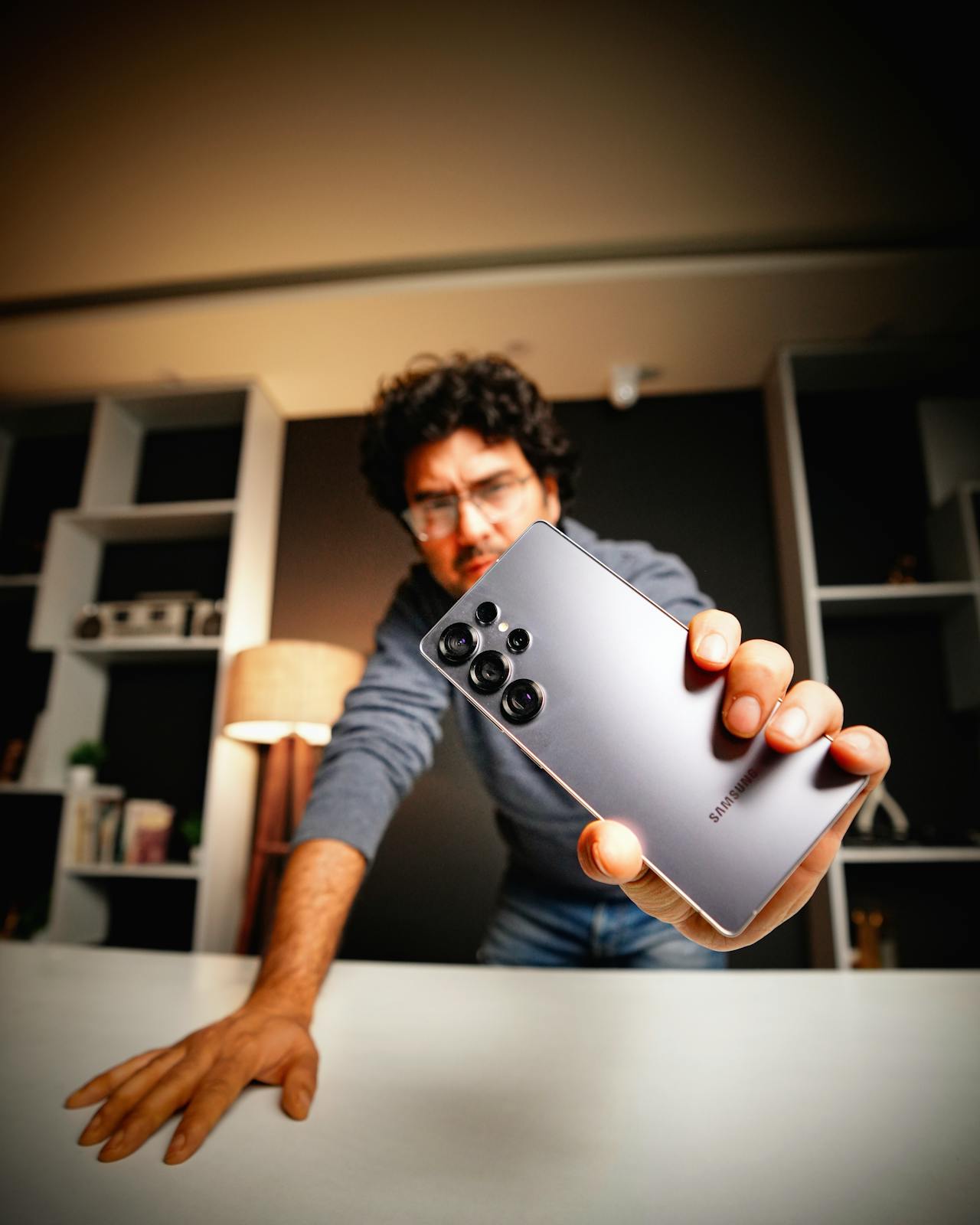
Mobile gaming has evolved into a demanding, performance-heavy use case, and flagship phones like the Galaxy S26 Ultra are often pushed for long sessions that stress heat management, ergonomics, and battery life. This article explains practical ways to keep gameplay smooth by controlling thermals, improving comfort, and extending battery endurance without compromising responsiveness. It will focus on two core areas: first, how to reduce heat and stabilize performance, and second, how to improve comfort and battery efficiency during extended play.
The most important performance lever for long gaming sessions is controlling heat, because once a phone warms up, most devices reduce CPU/GPU power to protect internal components, which can lead to frame drops and input inconsistency. Start by identifying your biggest heat triggers: high brightness, max refresh rate at all times, 5G + weak signal, background syncing, and charging while playing are the usual culprits. A practical setup is to lock brightness to a reasonable level (instead of auto-brightness that can spike), switch to Wi-Fi when possible (or use stable LTE if 5G is fluctuating), and close apps that constantly refresh in the background (social, mail, cloud photo sync). If your game supports it, cap frame rate to a stable target (for example, 60 FPS instead of “uncapped” or 120 FPS) and reduce a couple of visual settings that cost disproportionate heat, like high-resolution shadows or extreme particle effects. Heat is also influenced by airflow and insulation around the chassis, so if you notice the device warming quickly, consider removing thick accessories during competitive sessions—or choose a design that doesn’t trap heat if you prefer playing with protection. For example, imagine a 45-minute ranked session of a shooter where you’re on mobile data in a low-signal area, screen brightness is near max, and you’re charging at the same time; you’ll often see the phone warm, the frame rate become less consistent, and touch response feel slightly “off.” Switching to Wi-Fi, dropping brightness a notch, capping FPS, and avoiding charging during the match typically keeps temperatures lower and gameplay steadier.
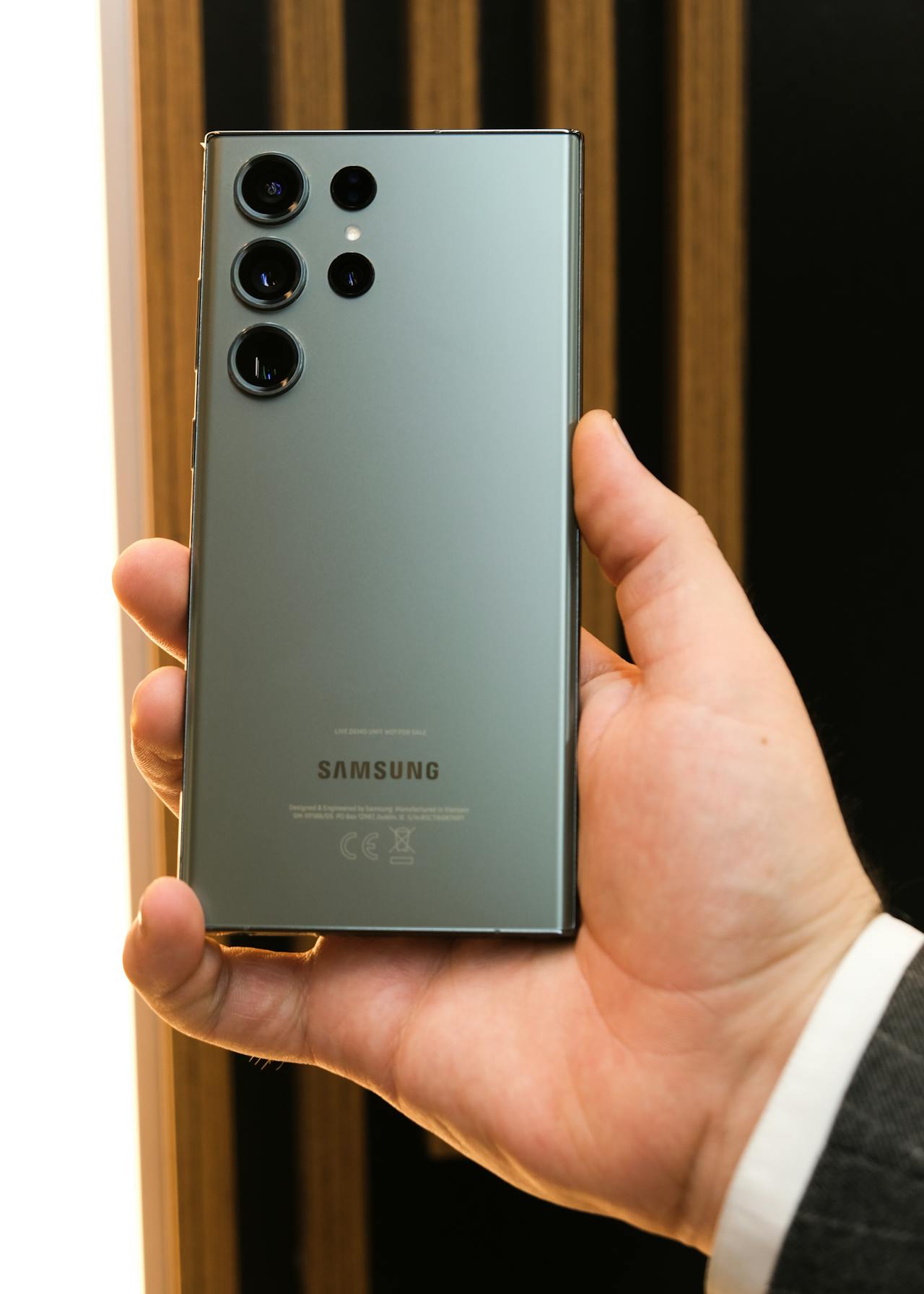
The second major factor is sustaining comfort and battery, because even with strong performance, hand fatigue and fast drain can end a session early. Comfort starts with grip and posture: if your hands cramp, you’ll tense up and play worse. Use a two-step approach—optimize how you hold the phone and reduce repeated strain. If you play thumbs-only, consider widening your grip so the phone rests more on your palms than on fingertip pressure, and take 30–60 second breaks every 15–20 minutes to reset your wrists. If you use triggers or a controller, keep the phone centered and avoid “pinching” it tightly, which increases fatigue. Battery-wise, focus on the settings that burn power the fastest during gaming: brightness, refresh rate, always-on high performance mode, background activity, and network choice. A simple battery-friendly gaming profile can include a slightly lower brightness, a fixed refresh rate that matches your target FPS (no need to run 120Hz if the game is locked to 60 FPS), and disabling battery-draining extras during sessions (location services, nearby device scanning, continuous backups). Audio also matters—wired or efficient Bluetooth codecs can help marginally, but the biggest savings come from display and network. If you must play while charging, use slower charging when possible and keep the phone ventilated; fast charging adds heat on top of gaming heat, and heat is the enemy of both performance consistency and battery longevity. Hardware choices can also support comfort: some gamers prefer a phone case for Galaxy S26 Ultra case that adds grip texture and reduces slipperiness, which can lessen squeeze pressure over long sessions. For example, picture a weekend gaming block where you play two 30-minute matches, take a short break, then play again—if you keep brightness high, refresh rate maxed, multiple apps running, and you’re on unstable 5G, your battery percentage may drop sharply and your hands may feel strained. With a dedicated gaming profile (fixed brightness, stable network, fewer background tasks, sensible FPS cap) plus short breaks and a more relaxed grip, you can keep battery drain predictable and stay comfortable for longer.
In summary, mobile gaming on a device like the Galaxy S26 Ultra becomes noticeably better when you treat heat as a performance limiter and comfort/battery as session limiters. Managing thermals through stable network choices, sensible FPS and graphics settings, and avoiding charging heat helps maintain consistent frame rates and touch responsiveness, while improving ergonomics and optimizing display and background settings extends play time and reduces fatigue. The most reliable approach is to build a repeatable “gaming setup” that prioritizes stable performance and comfort over maximum settings, which keeps sessions longer, smoother, and easier on your hands and battery.